Muhammad Aleem Logo
Muhammad Aleem
Loading Experience...
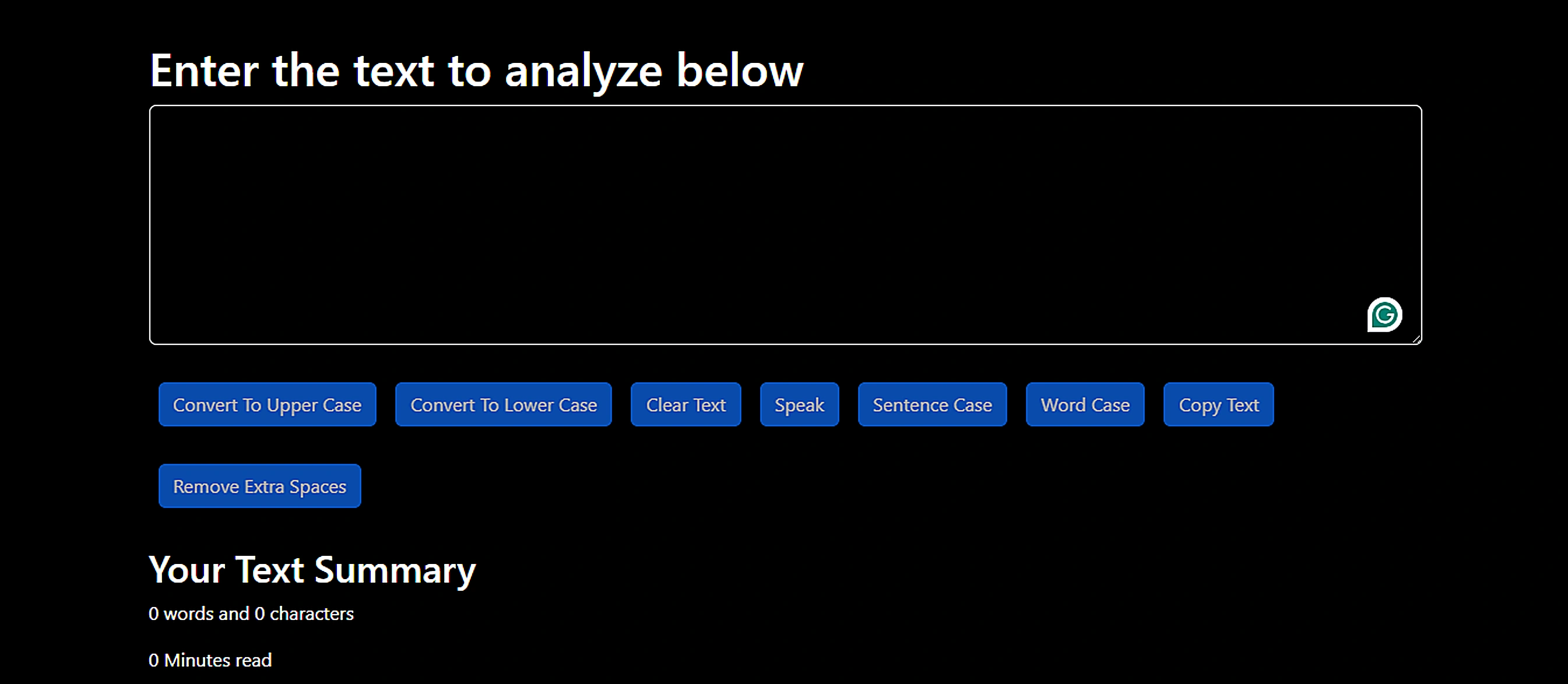
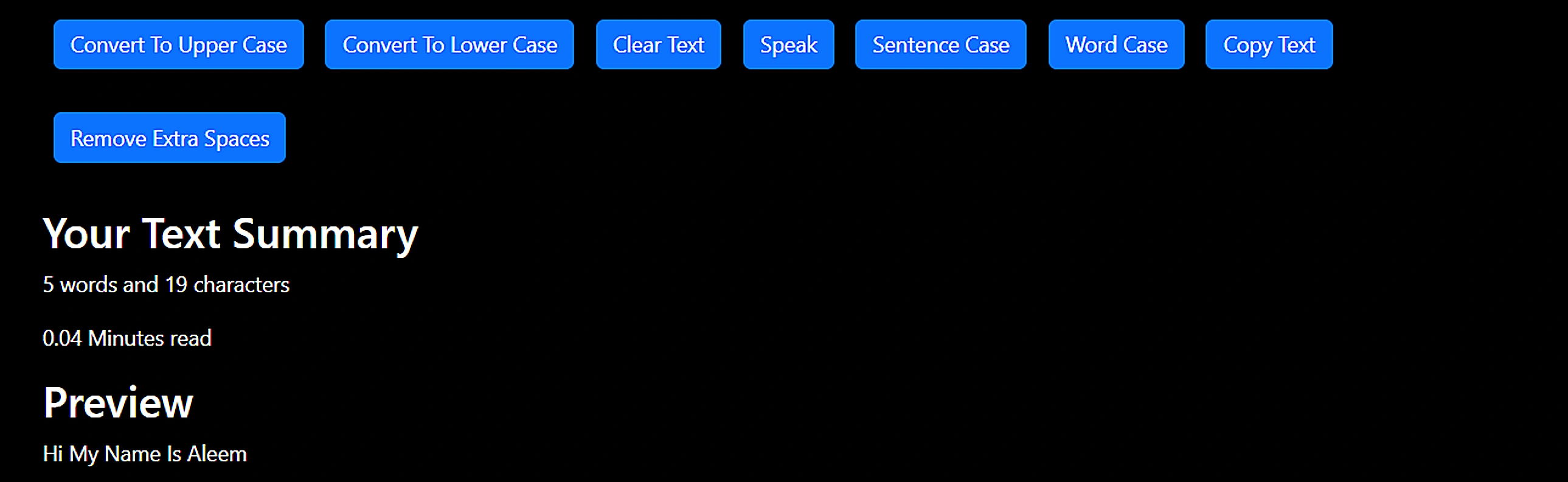
TextUtils main screenshotTextUtils secondary screenshot

TextUtils

A React text manipulation tool — case conversion, extra space removal, text-to-speech, and one-click clipboard copy.

React.jsReact.jsHTMLHTMLBootstrapBootstrapCSSCSSJavaScriptJavaScript
5+
Features
React
Framework
Utility App
Type
Why I built this
TextUtils was my first real React project. I wanted to build something with actual utility — a tool I could use when cleaning up copy for other projects. Text case conversion and whitespace cleanup are the kinds of repetitive tasks that waste minutes every day, and I figured building the solution would teach me React state management better than any todo app would.
How it works
The app is a single-page React application with a controlled textarea component at its centre. Every button (uppercase, lowercase, sentence case, title case, remove spaces, clear) triggers a state update that transforms the textarea value in place. The word and character count updates live as the user types. Text-to-speech uses the browser's native SpeechSynthesis API, so no external libraries are needed. Clipboard copy uses the Clipboard API.
Key decisions

Design choices

Browser-native APIs over libraries

Both text-to-speech and clipboard copying are available natively in modern browsers. Reaching for a library would have added bundle weight for no real benefit. Using native APIs kept the app lightweight and dependency-free.

Live character and word count

Static text tools feel sluggish. Showing live stats as the user types makes the tool feel responsive and gives immediate feedback — especially useful when working within a character limit.

Challenges

Problems solved

Managing controlled component state cleanly

With multiple transformations chained together, I had to be careful about when state updates happened. Applying multiple transforms at once (e.g., uppercase then remove spaces) required composing them correctly to avoid stale state issues.

What I learned
TextUtils was where I genuinely understood React's controlled component pattern. Before this, I'd follow tutorials without fully grasping why state drove the UI. Building every interaction from scratch — where every button is a pure function transforming a string — made the data-flow model click. It also taught me that useful tools don't need to be complex.
👋 Need a quick tour of Aleem's portfolio?